eSIM vs SIM Card vs Wi-Fi Egg for Korea
Most first-time visitors traveling alone or as a couple should get an eSIM and activate it before landing, since it needs no airport counter visit. Travelers with an older phone, a group sharing one connection, or multiple devices to cover are usually better off with a physical SIM card or Wi-Fi egg reserved in advance and picked up at Incheon Airport.
How Much Data Do You Need?
A planning estimate, not a guarantee — see "How much data do you actually use" below for what each usage style assumes.
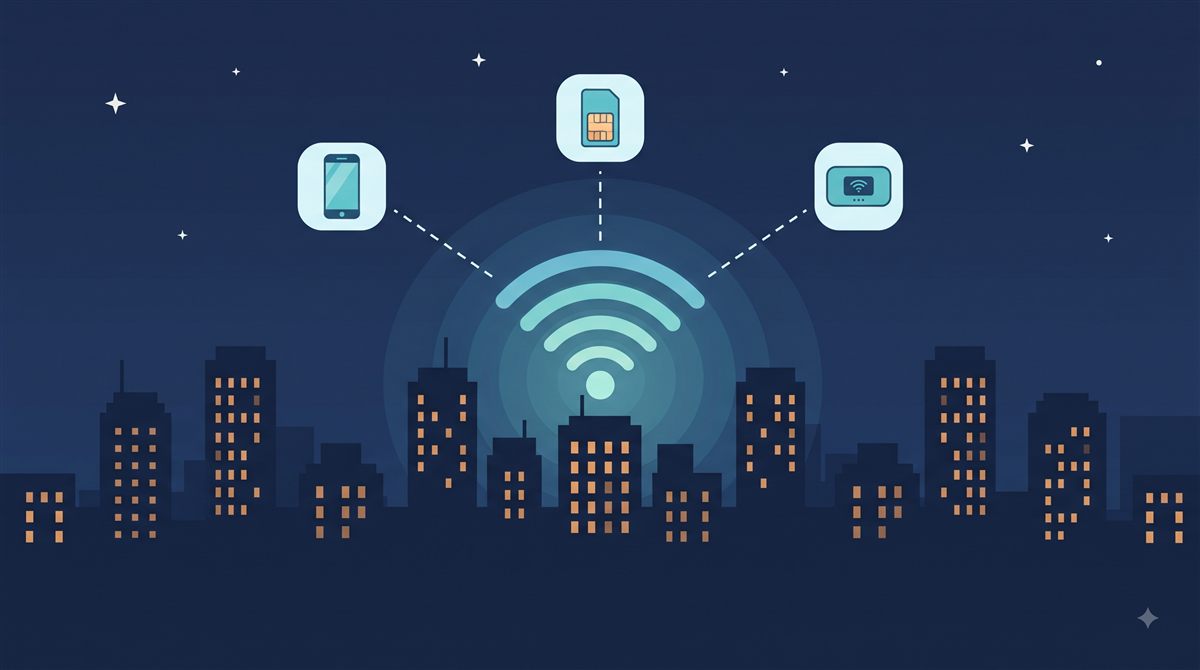
eSIM vs Physical SIM vs Wi-Fi Egg: The 30-Second Version
| Option | Setup | Devices covered | Best for |
|---|---|---|---|
| eSIM | Install before you fly, activates on arrival | 1 (the phone it's installed on) | Solo/couple travelers, no airport wait |
| Physical SIM | Swap your SIM tray, usually at the airport | 1 (the phone it's inserted in) | Older phones without eSIM support |
| Wi-Fi egg | Reserve ahead, pick up and return at the airport | Multiple, shared over Wi-Fi | Families, groups, multiple devices |
"Devices covered" refers to how many phones, tablets, or laptops can use the connection at once, not how many you can buy.
Buy an eSIM Before You Arrive
An eSIM is a digital SIM profile you install on your phone before you fly, so it's ready to use the moment you land, with no airport counter, no SIM tray tool, and no leaving your home number disconnected while you swap a physical card. It only works if your phone is eSIM-compatible, which most phones sold in the last few years are.
For a typical short trip, an eSIM marketplace like Airalo is a reasonable default: it offers Korea-specific data plans and is one of the most widely used global eSIM marketplaces, with a large plan selection by data amount and trip length. If you expect to use a lot of data, for example hotspotting a laptop or streaming video throughout the day, Holafly is worth a look for its unlimited-data plans, which trade a flat daily rate for no data cap.
KoreaPlugCheck does not yet have live booking links for these providers. This section is a planning reference for which option fits which situation, not a purchase page.
In practice, installing the eSIM is the easy part — you can do it the night before you fly, over your home Wi-Fi. The part visitors forget is that most eSIMs need to be activated separately, either manually or automatically once you connect to a Korean cell tower, and that first connection can take anywhere from a few seconds to a few minutes after landing. The safer order of operations: keep your old SIM active for roaming texts, switch data over to the eSIM once you actually see the connection show up in the status bar, and only then treat your phone as fully on Korean data — not the moment you land, and definitely not mid-immigration-line.
Pick Up a Physical SIM or Wi-Fi Egg at the Airport
If your phone doesn't support eSIM, or you'd rather have one device (a Wi-Fi egg, also called a pocket Wi-Fi router) that several people or gadgets can connect to at once, reserving a physical SIM card or Wi-Fi egg for pickup at Incheon Airport is the more common route. Booking platforms such as Klook list Korea SIM card and Wi-Fi egg rental counters at Incheon Airport, so you can reserve online before you fly and simply pick up the device after landing.
A Wi-Fi egg is a small portable router: you turn it on, connect your phone, tablet, and laptop to its Wi-Fi network, and everyone shares the same data allowance. It needs to be charged daily and returned before you fly home, usually at the same airport counter.
Bring an actual credit card to the pickup counter: most Wi-Fi egg rentals hold a security deposit on a credit card, and debit or prepaid cards are generally not accepted for this hold.
These counters are run by Korea's major carriers (KT, SKT, and LG U+) and third-party resellers, clustered in the arrivals area at Incheon. They're rarely a long wait if you've already reserved online, but budget a few extra minutes on a busy arrival bank of flights — the pickup process itself (ID check, activation, deposit hold) usually takes longer than the walk to the counter.
Picking Up at the Airport vs. Buying Before You Fly
These aren't just two purchase channels for the same thing — they lead to two different arrival experiences. An eSIM is installed and (mostly) activated before you even board, so you can walk straight through immigration and baggage claim with data already working, or working within a couple of minutes of landing. A physical SIM or Wi-Fi egg means an actual stop: finding the counter, an ID check, a deposit hold on a credit card, and activation, all inside the arrivals area before you're free to leave the airport.
The tradeoff runs the other way for coverage. A physical SIM or Wi-Fi egg doesn't care whether your phone supports eSIM, and a Wi-Fi egg covers a whole group's devices from one rental instead of one eSIM per person. If either of those applies to you, the extra few minutes at the counter is the more practical choice despite the slower start.
How Much Data Do You Actually Use in Korea?
For most first-time visitors, navigation is the biggest single line item, not video. Turn-by-turn map navigation runs roughly 5–10MB per hour — small individually, but it's running for most of a sightseeing day, and translation-app lookups add a similar trickle on top. Casual social media feed browsing (checking Instagram or similar without much video) runs closer to 100–250MB per hour once you're actually scrolling for a while. Video is what actually moves the number: streaming or a video call runs roughly 0.7–1GB per hour even at standard, non-HD quality — a single hour of that can outweigh several days of maps and messaging combined.
That's the reasoning behind the three usage styles in the calculator above: "Light" covers a visitor who mostly navigates and messages, "Moderate" adds realistic social media browsing on top, and "Heavy" adds actual video. If you're not sure which you are, start with Moderate — it's a reasonable default for a first-time visitor who isn't deliberately avoiding video, and it's cheaper to check your phone's data usage a day or two into the trip and switch plans than to guess Heavy and overpay upfront.
What Actually Goes Wrong Without Data in Korea
It's more disruptive than "no data, just use Wi-Fi later" suggests, because so much of getting around Korea runs through apps in the moment, not something you can plan the night before. Without data, you can't pull up a map mid-walk when a subway exit doesn't match what you expected, can't call a Kakao T taxi from wherever you're actually standing, can't check a live bus arrival time before deciding whether to wait or walk, and can't translate a menu or a sign on the spot with Papago. Public Wi-Fi exists at cafes, some subway stations, and most hotels, but it's not continuous coverage — the gaps are usually exactly the moments (mid-transfer, mid-street, deciding where to eat) where you actually need the app to work.
Checking If Your Phone Supports eSIM
Most iPhones from the XS/XR generation onward, and most flagship Android phones from roughly 2021 onward, support eSIM — but the safest check is on the device itself, not a general rule. On iPhone, check Settings → Cellular (or Mobile Data) for an "Add eSIM" or "Convert to eSIM" option; on Android, check Settings → Network & Internet → SIMs for a similar option, since the exact menu wording varies by manufacturer. One thing that trips people up: even eSIM-capable hardware can be blocked from adding a second eSIM profile if the phone is carrier-locked, so if the option isn't there, it's worth confirming with your home carrier whether the phone itself is locked before assuming it lacks eSIM hardware.
Which Should You Get? By Traveler Situation
Quick picks
- Short solo or couple trip, modern phone: eSIM, installed before departure.
- Heavy data use (streaming, hotspotting a laptop): An unlimited-data eSIM plan, or a Wi-Fi egg if multiple devices need it too.
- Traveling as a family or group: A Wi-Fi egg shared across everyone's devices is usually cheaper and simpler than buying a separate eSIM per person.
- Older phone without eSIM support: A physical SIM card picked up at the airport.
- Want to skip any airport counter entirely: eSIM, activated before or right after landing.
Once you've decided, add it to your Pre-Departure Guide so you don't forget to set it up before you fly.